
Managed Windows server hosting, built for high availability
Run Windows Server and SQL Server on managed Hyper-V private cloud, multi-tenant Windows VMs, or dedicated bare-metal infrastructure. Summit designs and manages high-availability, failover, and disaster-recovery configurations around your workload requirements
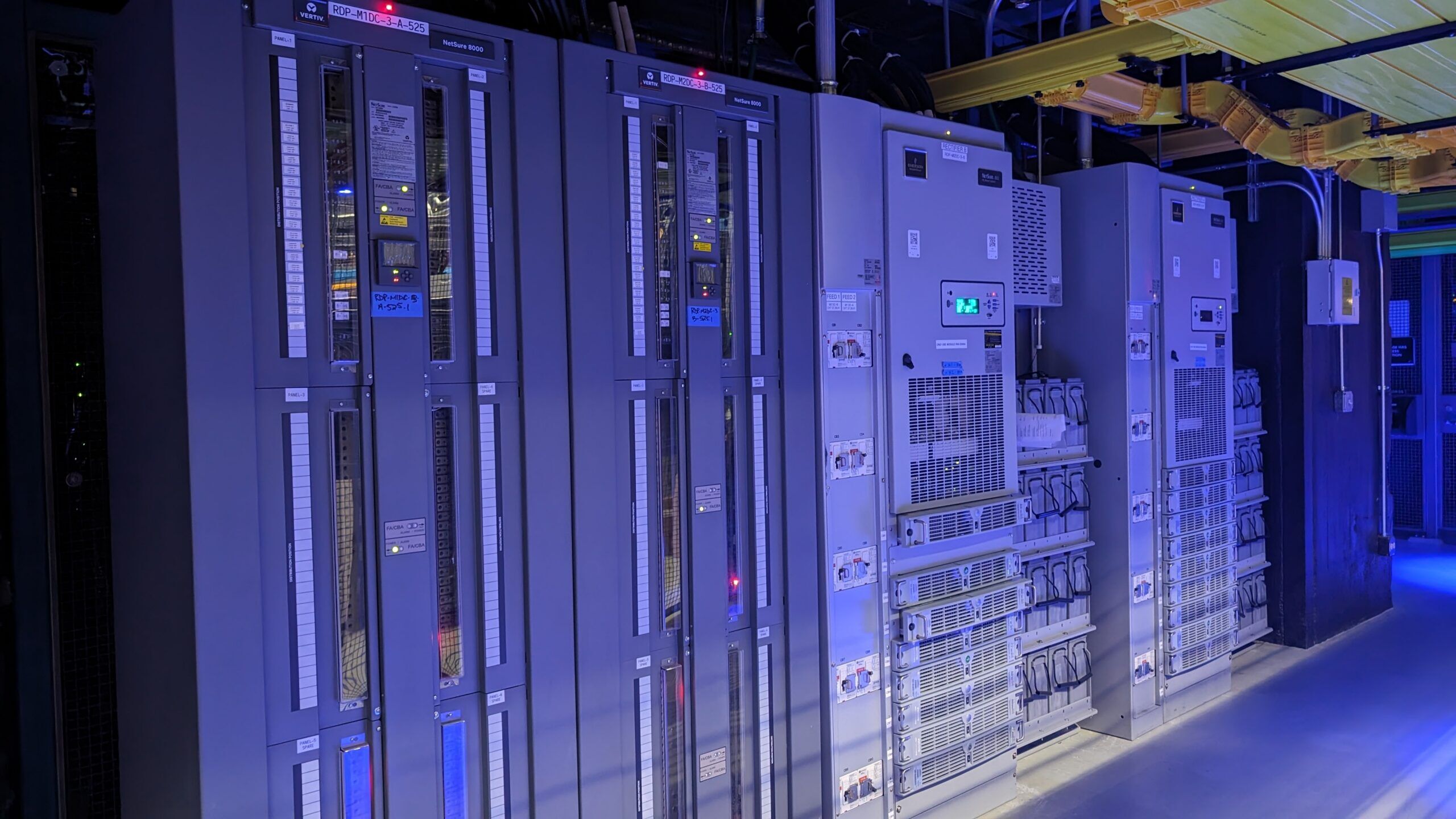
Windows Hosting That Can’t Afford to Go Down
Windows Server runs your line-of-business apps, your SQL Server databases, your domain. When the host underneath it isn’t built for high availability, an outage isn’t an inconvenience, it’s a business stoppage.
Single Points of Failure
One host, one power feed, one network path. A single failure takes the whole environment offline, with no automatic failover to catch it.
VMware Licensing Shock
Per-core VMware pricing keeps climbing after the Broadcom changes. Renewal quotes are forcing teams to rethink the hypervisor entirely.
Noisy-Neighbor Shared Hosting
Cheap Windows hosting packs you onto oversubscribed hosts. Someone else’s workload spikes and your SQL queries crawl.
Tickets Instead of Engineers
When a cluster node drops at 2am, a tiered queue and a chatbot don’t fix it. You need a Windows engineer on the line.
Three Ways to Host Windows Server
The right fit depends on how your Windows workloads run, not just where they live. Here’s how managed private cloud, multi-tenant cloud, and dedicated servers map to common Windows and SQL Server deployments.
Managed Private Cloud
All the benefits of cloud, with the isolation and control of single-tenant hardware.
Multi-Tenant Cloud
Virtualize Windows workloads on our managed multi-tenant platform for scalability and cost efficiency.
Bare Metal Windows Hosting
Run Windows workloads on fully managed bare metal with dedicated resources and single-tenant performance.
Why Hyper-V Powers Our Virtualized Windows Hosting
Hyper-V is Microsoft’s own hypervisor, included with Windows Server. For Windows-first estates, it removes a layer of licensing and a layer of complexity, and it integrates natively with the failover clustering and high availability features your workloads already depend on.
No Separate Hypervisor Tax
Hyper-V is included with Windows Sezrver, eliminating the need for a separate third-party hypervisor license.
Live Migration, No Downtime
Move running VMs between hosts with no service interruption. Patch hardware, rebalance load, and ride out maintenance windows without taking workloads offline.
Hyper-V Replica for DR
Hyper-V Replica can maintain an asynchronous standby copy of selected VMs in a second Summit data center when cross-site disaster recovery is configured.
Native Failover Clustering
Hyper-V plugs straight into Windows Server Failover Clustering. Cluster your hosts and VMs restart automatically on a healthy node when one goes down.
Tight Windows Integration
Active Directory, SQL Server, RDS, and your existing System Center and PowerShell tooling all work the way your team already knows. Less to relearn, fewer surprises.
A Clean VMware Exit Path
Organizations currently running VMware can move to a managed Hyper-V platform without re-architecting their applications. We manage the migration and ongoing platform operations.
High Availability and Failover Clustering
High availability isn’t one feature, it’s a stack: redundant hardware, clustered hosts, replicated data, and a network with no single point of failure. Summit can design redundant hardware, clustered hosts, resilient storage, and network redundancy into your Windows environment based on your availability requirements.
Windows Server Failover Cluster
SQL Server High Availability
No Single Point of Failure Network
High Availability and Disaster Recovery
Infrastructure Your Auditors Will Recognize
Your Windows workloads run in Summit-operated data centers, 22 of them across 6 continents, with the redundancy and certifications regulated industries require. Place your data where compliance demands and let our team carry the operational burden.
SOC 2 Type 2
Summit undergoes an independent SOC 2 Type 2 examination. The report is available to qualified customers upon request.
HIPAA and PCI DSS
Supported through business associate agreements and shared responsibility frameworks, with isolated network segments and managed firewall.
Data Residency and Sovereignty
Choose the region your data lives in. EU-resident data centers in Amsterdam, Frankfurt, and Bucharest, plus London for UK data residency.
Redundant Power and Cooling
Every facility runs multiple layers of redundancy, from N+1 through N+N, with diverse power feeds, UPS, and on-site generators.
What Teams Run on Summit Windows
Why Teams Move Windows Hosting to Summit
Summit combines dedicated performance, flat pricing, and 20+ years of Windows infrastructure experience with the responsive engineering support generic Windows hosting providers rarely deliver.
Predictable Flat Pricing
Predictable monthly pricing with clearly defined costs as capacity and services are added. Egress is included on every service, so data transfer never adds to the bill.
100% Uptime SLAs
Summit infrastructure carries 100% power and network uptime SLAs, backed by no-single-point-of-failure design so your Windows workloads stay online.
Windows and SQL Specialists
Engineers who live in Windows Server, Hyper-V, failover clustering, and SQL Server high availability. They modernize your environment or design a new one.
U.S.-Based Engineers
U.S.-based engineering support with on-site Remote Hands available in each data center. When a cluster node drops in the middle of the night, a real engineer answers instead of a ticket queue.
Compliance Built In
SOC 2 Type II, with HIPAA and PCI DSS supported through business associate agreements and shared responsibility frameworks.
Global Footprint
22 data centers across 6 continents let you place Windows workloads close to your users, your data, and the residency rules you have to meet.
From Workload to Production in Four Steps
Scope Your Environment
Tell us your Windows and SQL Server workloads, uptime targets, and compliance needs. We right-size compute, storage, and networking around them.
Match the Model
Pick the right fit: managed private cloud, multi-tenant cloud, or dedicated servers, with the HA and failover profile to match.
Migrate and Deploy
We provision the cluster, migrate your Windows and SQL workloads, and hand it off ready to run, with U.S.-based engineers on call.
Scale and Optimize
Add capacity with zero downtime as you grow, and tune performance with Remote Hands support whenever you need it.
See What Managed Windows Hosting Costs
Send us your current Windows and SQL Server footprint, or your latest VMware renewal quote. We’ll model it against Summit managed infrastructure and show you the difference.
Hyperscale Windows VMs vs Summit Managed Windows
We were having trouble with our apps not sending data. We called up Summit, and they spent 2 hours talking us through it. It was a simple command line change and they fixed it. AWS won’t do that.
Windows Server Hosting FAQ
Which Windows hosting option is right for me?
Managed Private Cloud is ideal for production Windows and SQL Server environments that need dedicated resources, predictable performance, and a fully managed Microsoft-aligned platform. Multi-Tenant Cloud fits flexible Windows VM hosting, web-facing applications, and workloads that need scalable capacity with built-in high availability. Bare Metal is best for performance-critical applications, custom configurations, and workloads that need the full power of single-tenant hardware.
Do you support SQL Server high availability?
Yes. We host Microsoft SQL Server with Always On availability groups and SQL Server failover cluster instances for high availability, plus readable secondaries to offload reporting. We handle patching, managed backups with point-in-time recovery, and performance tuning.
How does failover clustering work on Summit?
We build Windows Server Failover Clusters across multiple nodes with shared or replicated storage and quorum configured for split-brain protection. Hyper-V failover clusters keep your VMs running through host hardware failures, restarting roles automatically on a healthy node.
Why Hyper-V instead of VMware?
Hyper-V is included with Windows Server, so there’s no separate per-core hypervisor license stacked on top. It integrates natively with Windows failover clustering, SQL Server, and Active Directory, and supports live migration and Hyper-V Replica for DR. For Windows-first teams facing rising VMware renewal costs, it’s often a cleaner, cheaper fit. We also handle the migration.
How do you handle data security and compliance?
Summit undergoes independent SOC 2 Type 2 examinations and supports HIPAA and PCI DSS requirements through business associate agreements and shared responsibility frameworks. Across 22 data centers on six continents, customers can deploy workloads with isolated network segments, managed firewalls, optional encryption at rest, and data residency options throughout the U.S., EU, and UK.
Who supports the environment if something breaks?
U.S.-based Windows engineers and Remote Hands, available 24/7. Real people answer when you need help, whether that’s a failover that didn’t behave as expected or guidance on tuning a SQL Server instance.
Price Your Windows Hosting
Tell us about your Windows and SQL Server workloads and a Summit engineer will get back to you with options and pricing.